
Terms of Performance
All operations can be performed under one condition:

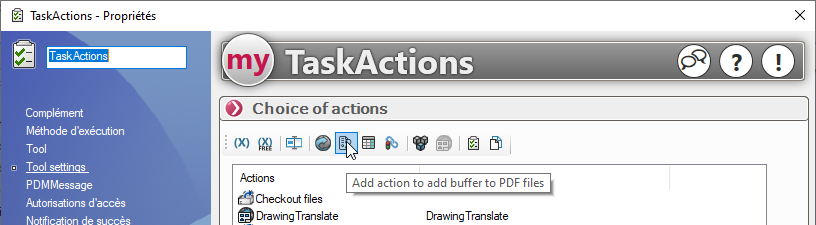
For example, when adding a StampPDF operation:
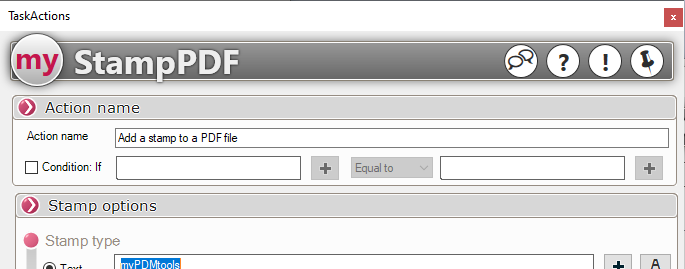
The condition appears at the top of the action to be added:
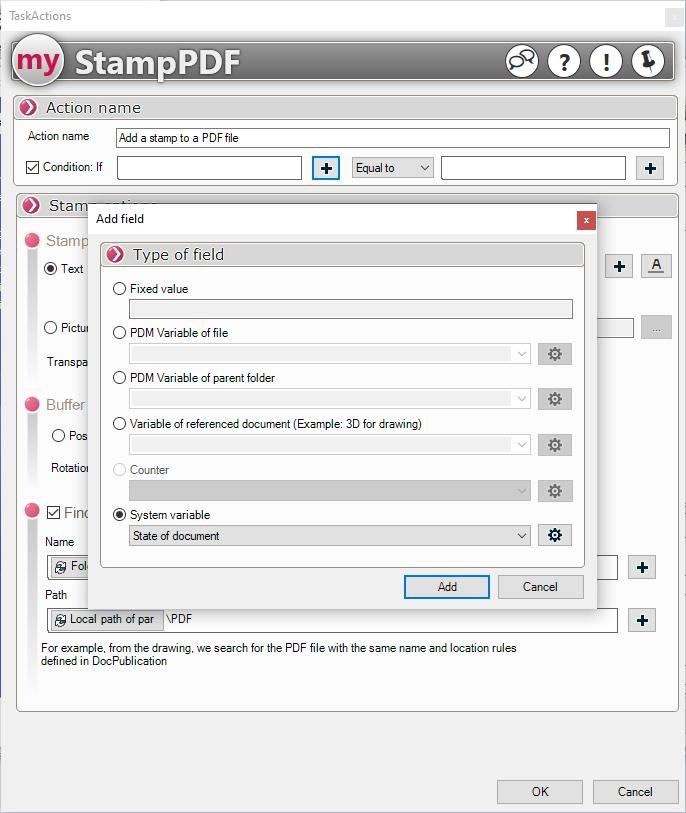
Simply check the "Condition" box, then use the Field Concatenation tool to select the variable you want to test:
Select the type of equality:

Next, you need to add the value to be tested, which can also be the value of another variable or a simple string:
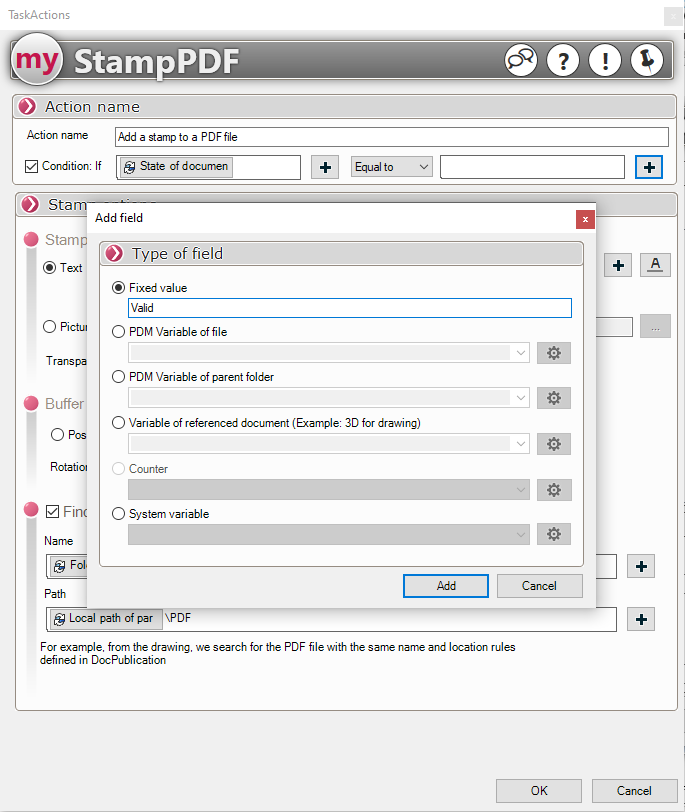
Since each operation is independent, they may or may not be performed depending on various conditions.
Any conditions that are not met will appear in the task logs.