
Replace a string
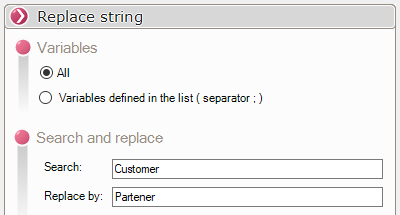
The "Replace a String" type allows you to update one or more variables by replacing one string with another.
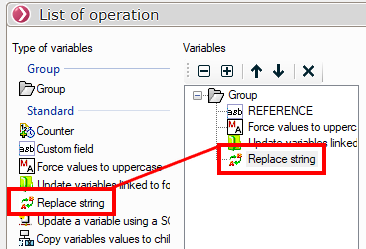
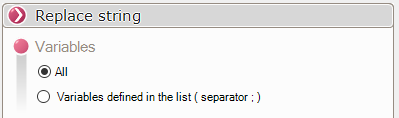
It is possible to recalculate all variable values.
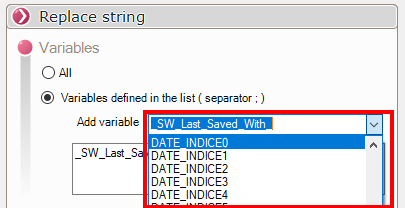
Or just the variables defined in a list; in that case, you simply open the drop-down menu to add a variable.
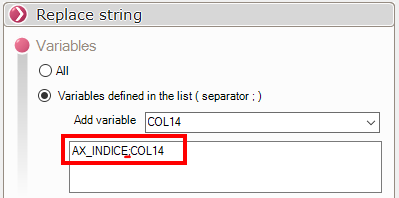
You can filter by multiple variables; the separator is a semicolon (;), which is automatically entered when you add a variable.
To use this operation, simply enter the value to search for and the replacement value.
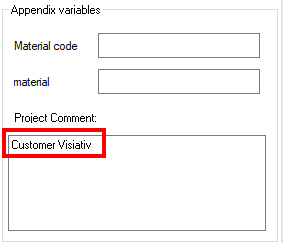
We can then move from this result...
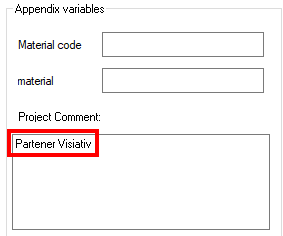
... to this one.
 The search for characters is case insensitive, in the example above, the value Meca has been found when the value sought was meca.
You can use regular expressions by following the instructions in the Microsoft Help.
For example, to clear all fields, you would need to enter " ^.*$ " in the "Find" field and leave the "Replace with" field blank.