
Overview
This utility can only be run in the " Room " environment.
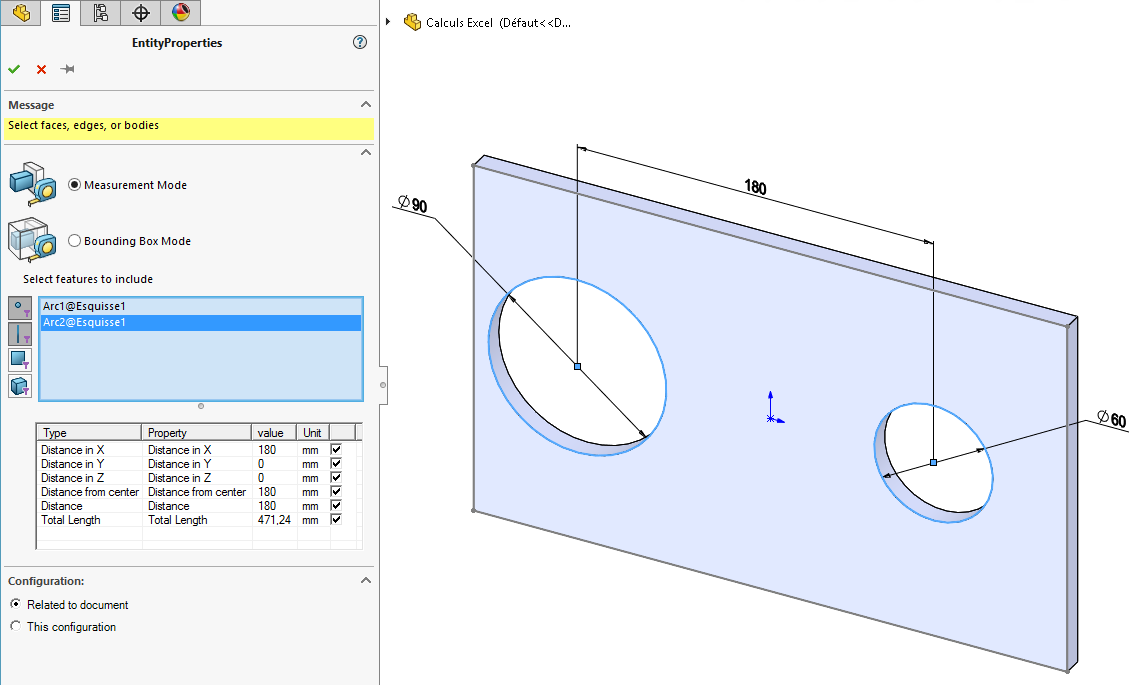
There are two ways to extract values to create properties:
- " Measurement Mode. "
- " Enveloping Box " Mode.
In both modes, the properties selected in the results table can be created:
- For this document, the properties are created in the " Customize" tab of the Properties dialog box.
- For the active configuration, the properties are created in the " Configuration-Specific " tab of the Properties dialog box and apply to the currently active configuration.
Each time "EntityProperties" is launched and validated, a " MacroFeature" is created in the FeatureManager.