
SQL Base
SmartCounter can also be used with an SQL database

You must then enter the location and the login credentials for the SQL database.
The following buttons allow you to import or export your SmartCounter database:

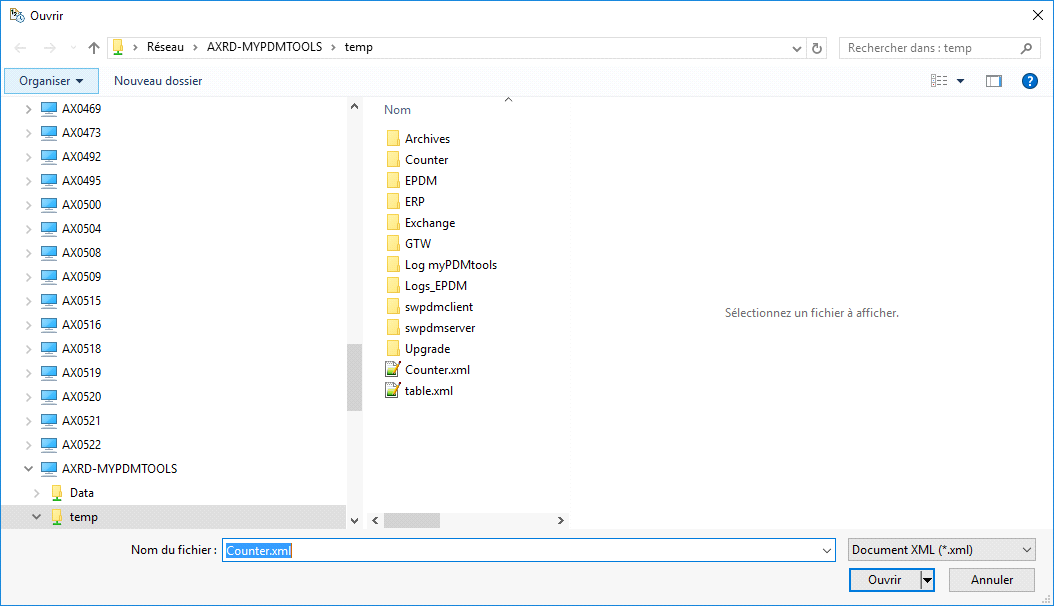
- To import an XML file into the SQL database, simply select the XML file you want to import:
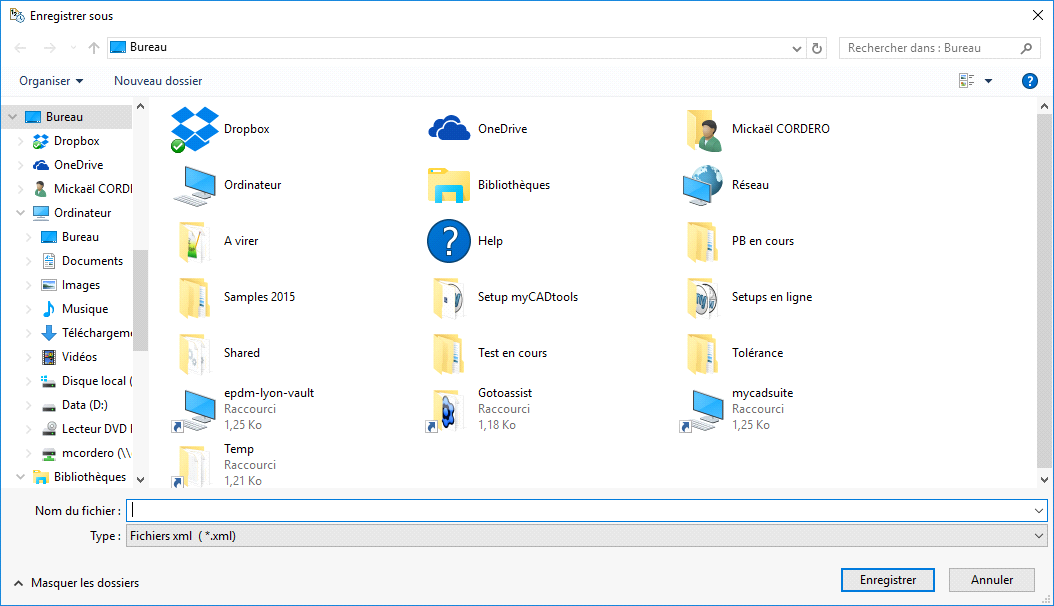
- Export the database to SQL format, specify the location, and name the XML file to be saved:
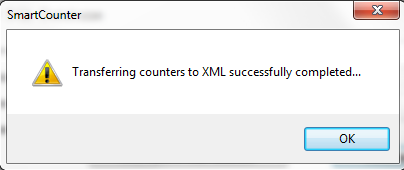
A confirmation message will appear indicating that the file has been saved successfully:
 Warning: The SQL license supplied with PDM does not allow you to create another database. You must use another instance, such as SQL Express Edition.
Note: It is not possible to create a file containing the history of values recorded using the SQL Database option.