
Group
Regarding a group's specifications, two options are available (the others are grayed out).

If the " Collapse" option is checked, the group will not be expanded by default.

If the " Collapse" option is not checked, the group will be expanded by default.
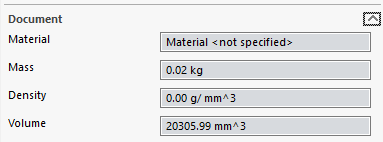
The " Automatically Close Groups" option ensures that only one of the groups with this option checked remains open.
As soon as you open a group, all other groups will be closed. This ensures that only one group is open at a time.
When you have a long list of properties to fill in, it's a good idea to check this option for all your groups; when you open one group, all the others will automatically collapse.