
|
|
Export to Visiativ Spare Parts |
|


 Use the myCADtools Spare Parts Export tool to publish your data to the Visiativ Spare Parts catalog.
|
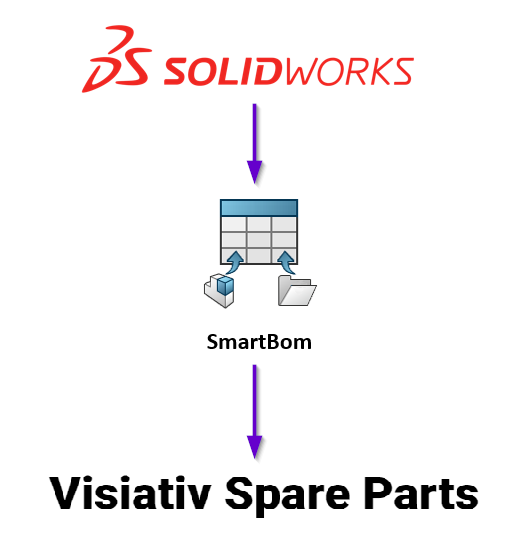
Maintaining an up-to-date spare parts catalog is often a tedious task: manually entering part numbers, intermediate exports, the risk of coding errors… With the Spare Parts Export feature built into myCADtools, this entire process can be completed directly from SOLIDWORKS with just a few clicks. From your open assembly, start the export: the tool automatically generates 3D views of each component, calculates and applies a unique part number to each part, and then sends the entire set to the Visiativ Spare Parts platform. You don't have to leave your work environment—no re-entering data, no manual conversion. Once published, your catalog is immediately available online as an interactive exploded view, complete with numbered parts, part numbers, and product information. Your customers or maintenance technicians can identify and order the right part at the right time, without any confusion. The result: You can directly showcase your CAD design work in a professional, reliable catalog that is always synchronized with your SOLIDWORKS model. |
|
|
|
Presentation Video |

|
|
Configuration |
