
Creating a Project
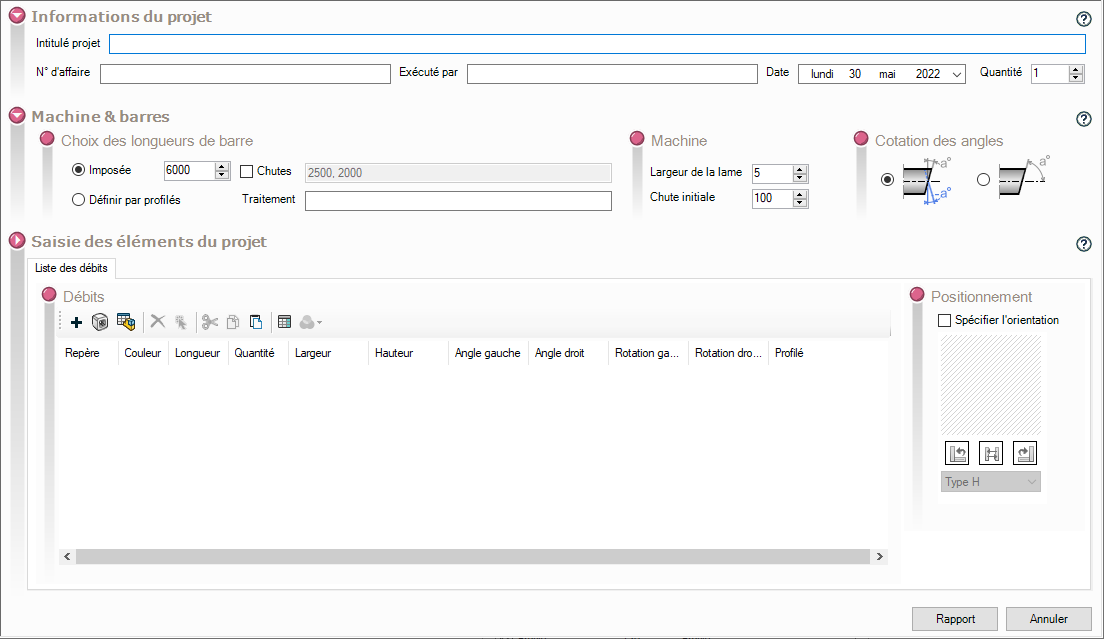
To open a new project window, use the icon  (New project) icon, or open a previously saved project with the
 .
In this project window, we'll be able to enter:
- Project information.
- In the "Machine & Bars" section, select the bar lengths and configure the machine settings.
- Add a list of profiles to be inserted into the project in the "Project Element Entry" pane.