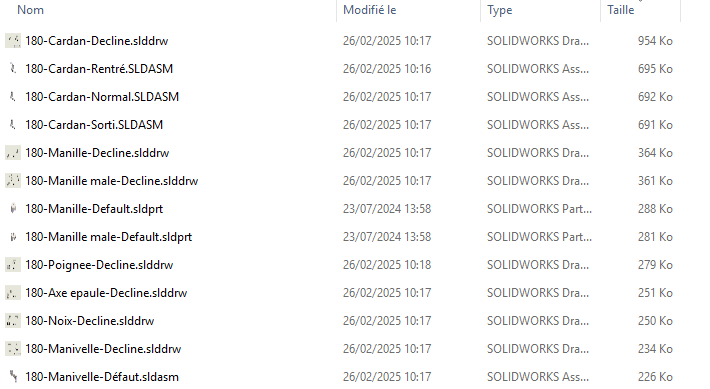
List the configurations and replace the part numbers
List the configurations and replace the part numbers
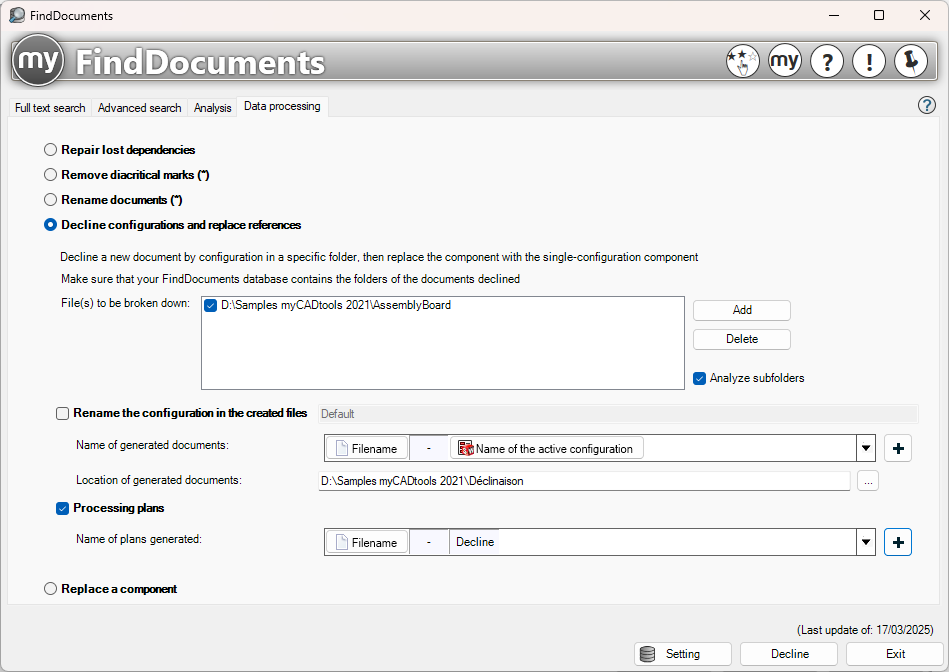
This feature allows you to generate a new document for each configuration and replace the part numbers in assemblies and drawings.
We use the field concatenation tool to retrieve values from SOLIDWORKS variables, Windows, etc.
The selected file(s) must be present in the database analyzed in the FindDocuments service settings.
Example:
All variations will be saved in the " D:\Samples myCADtools 2021\Variations " folder.
The generated name will consist of " File Name-Configuration Name ".
The configurations in the created files will be named " Default "
The images will be processed using the naming convention " Filename-Decline."